
E-invoice made simple.
Connect your store to LHDN MyInvois from GEBME. Print a receipt QR from POS, let customers request their invoice online, consolidate unclaimed sales in MMS, and track submission status — without a separate billing system.
Compliance you don't have to think about.
What it is
Per-store MyInvois integration in GEBME. Enable e-invoice in MMS with your LHDN client credentials and TIN, print a receipt QR from completed sales on POS, let customers submit individual invoices through the GEBME registration page, and run consolidated e-invoices from MMS.
Why use it
Stay on the right side of LHDN requirements from the same platform you use for sales. Issue individual e-invoices when buyer details are needed, batch eligible walk-in sales into consolidated e-invoices, and review status history in one place.
One flow, three payoffs.
From sale to document
- Receipt QR printed from POS
- Customer invoice request page
- E-invoice management in MMS
- Works on handheld or tablet
Back-office control
- MyInvois document submission
- Consolidated e-invoice (MMS)
- Consolidation log & status history
- Per-store enablement & credentials
Who it's for
- Restaurants & kopitiams
- Optical & service businesses
- Any LHDN-registered merchant
Got questions? Ask away.
One subscription, any device.
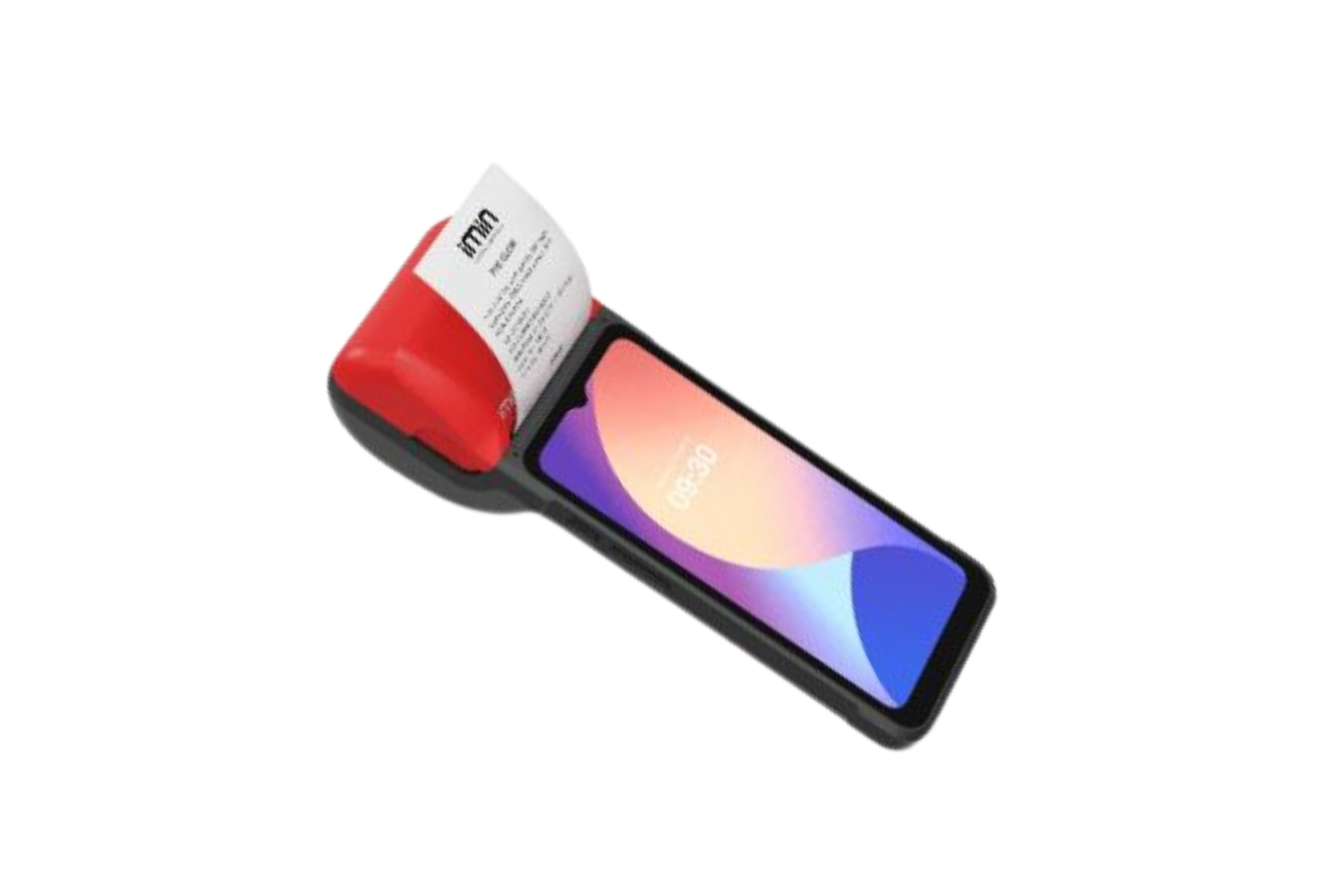
Handheld POS
Small, mobile, fast — perfect for floor ordering.
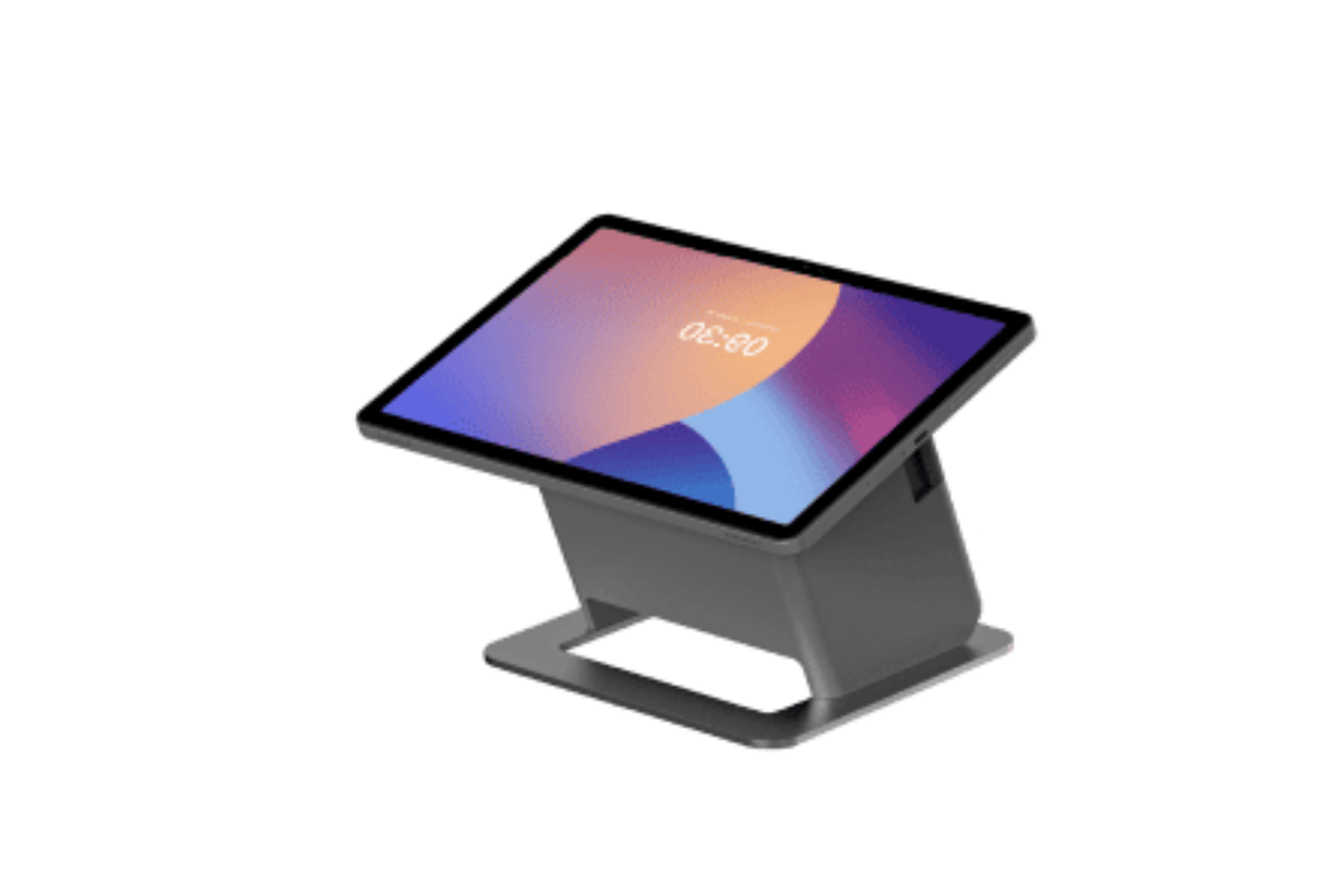
Falcon 2
Reliable with built-in receipt printer.
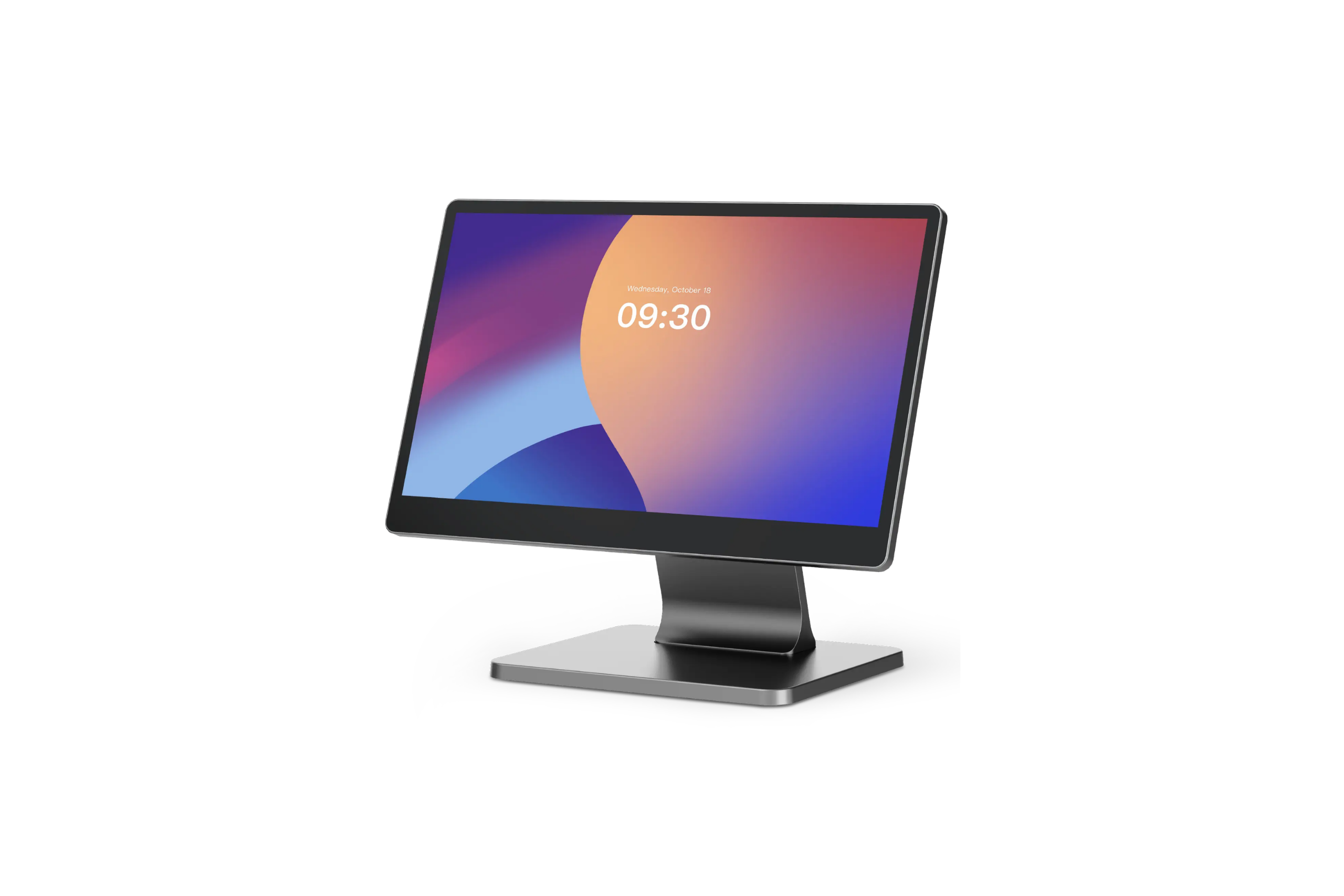
Touch Screen POS
Large screen, clean counter interface.
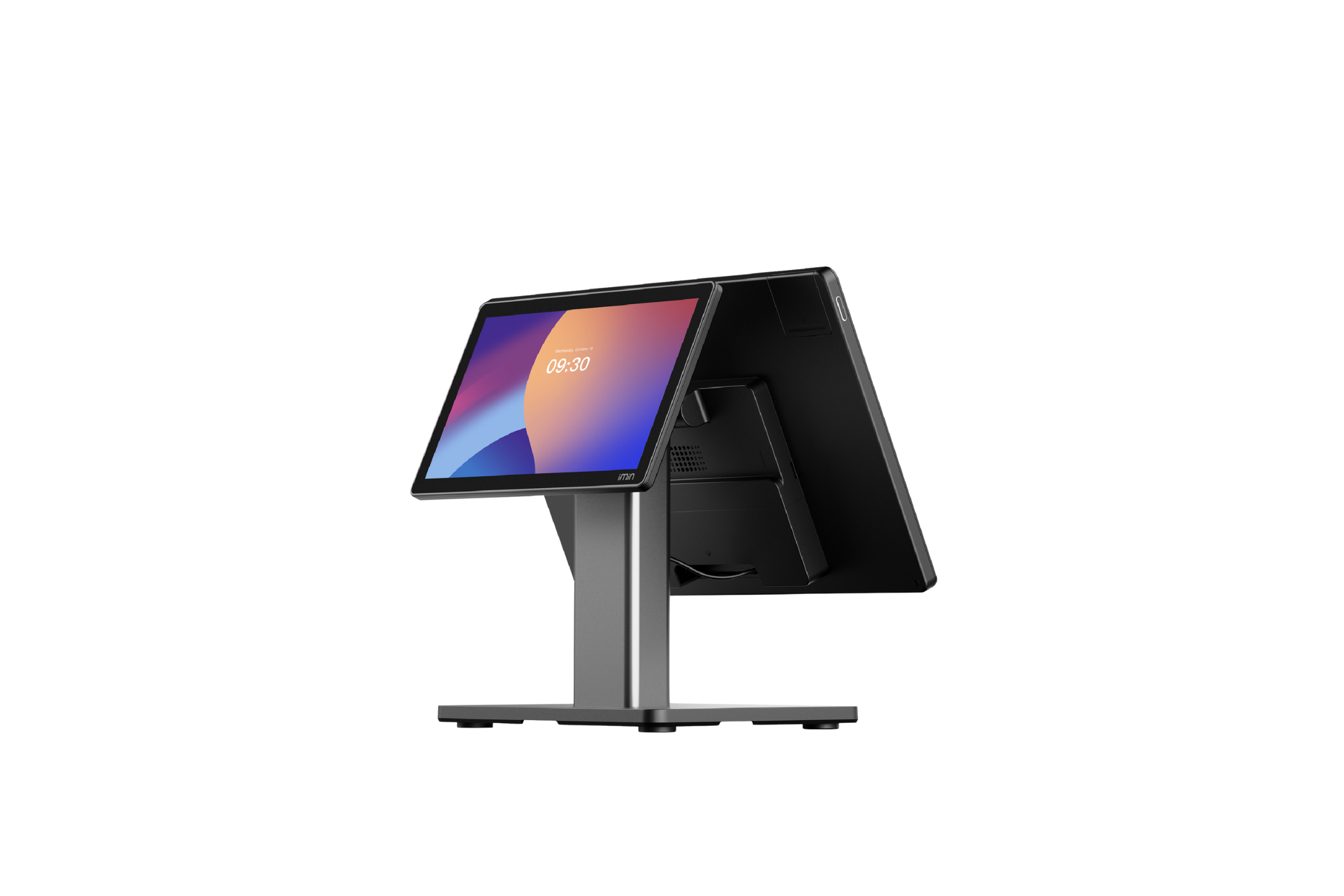
Dual Screen POS
High volume with customer-facing display.
Shah Alam HQ · Bangkok regional office
GEBME Sdn Bhd
10-29, Avenue Crest, Jalan Jubli Perak 22/1, Section 22, 40300 Shah Alam, Selangor
- Klang Valley — HQ & demo team
- Johor — Authorised resellers
- East Malaysia — Partner network
Thailand regional office
Siam Condominium, Grand Rama 9, Huai Khwang District, Bangkok 10310
- Bangkok — Regional office
- +66 88 663 3358
See it in your shop. Today.
A real Gebme team member brings hardware, loads your menu, and walks you through it — about 30 minutes, no slides, no pressure.